

Policies
Set your cancellation and no-show rules once; the widget and Sadie explain them to guests for you.
Policies are the rules guests agree to when they book: how late they can cancel, how long you hold a table, and what happens to repeat no-shows. You set them once here, and both the booking widget and Sadie explain them to guests automatically, so your online policy and your phone policy never disagree. Open the menu at the top left, choose Settings, then click Policies.
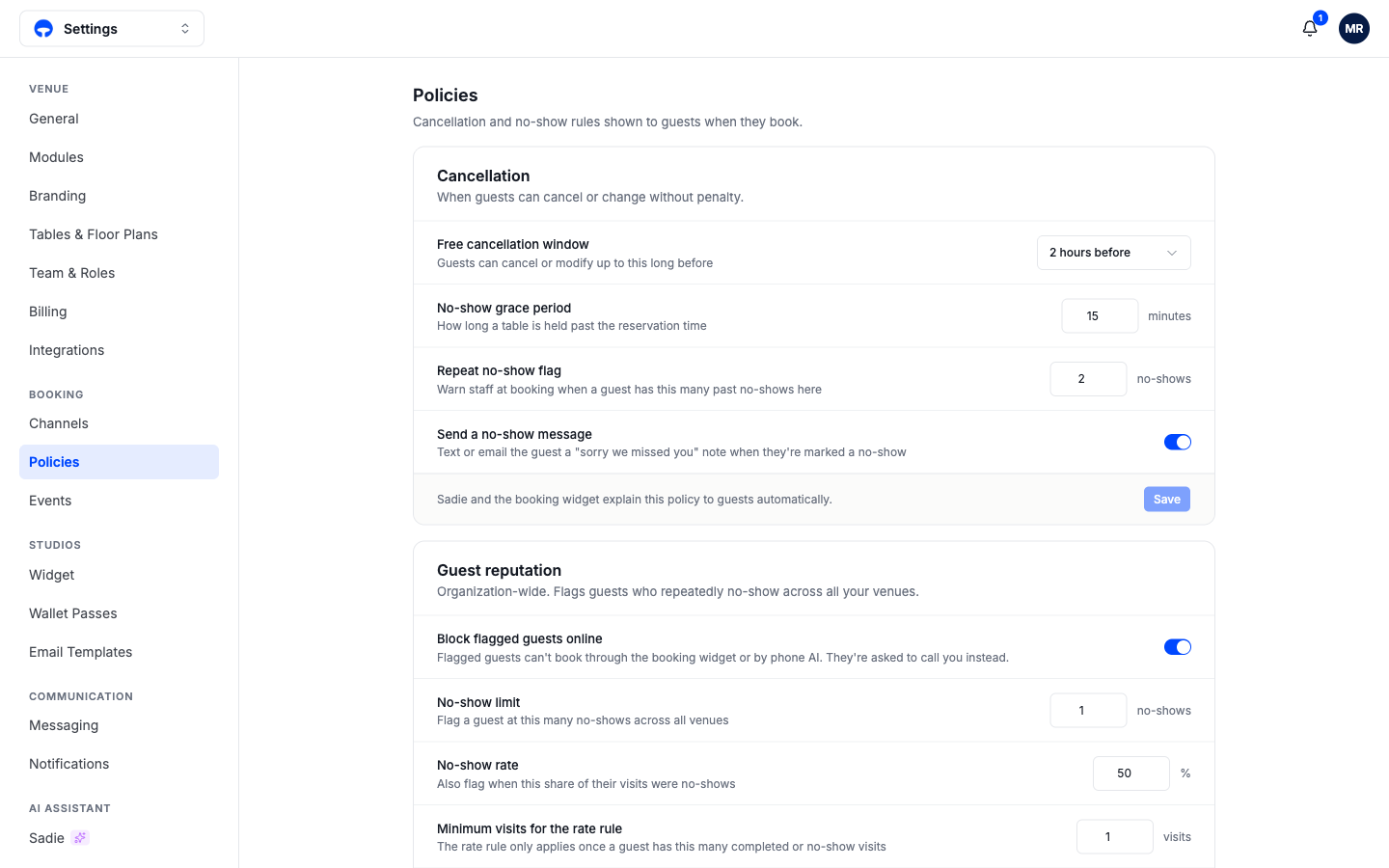
Cancellation
Free cancellation window is how long before the reservation a guest can cancel or change without penalty. It shows on your booking page and in the policy text guests tick when booking.
No-show grace period is how many minutes past the reservation time a table stays held before the booking can be marked a no-show. Fifteen minutes is the starting value.
Repeat no-show flag warns staff at booking time when a guest has this many past no-shows at your venue, so the host sees the history before confirming.
Send a no-show message texts or emails the guest a "sorry we missed you" note when they are marked a no-show. It reads as courtesy and often surfaces an honest reply.
Guest reputation
The second card works across every venue in your organization, catching guests who no-show at one location and book at another.
Block flagged guests online stops flagged guests from booking through the widget or by phone AI; they are asked to call you instead, which puts a human in the conversation without turning anyone away outright.
A guest is flagged by two rules working together: the no-show limit (a hard count across all venues) and the no-show rate (a share of their visits, applied only once they have the minimum visits the rate rule needs). A first-time guest who missed their only booking can trip the rate rule; a regular with one miss in forty visits will not.